
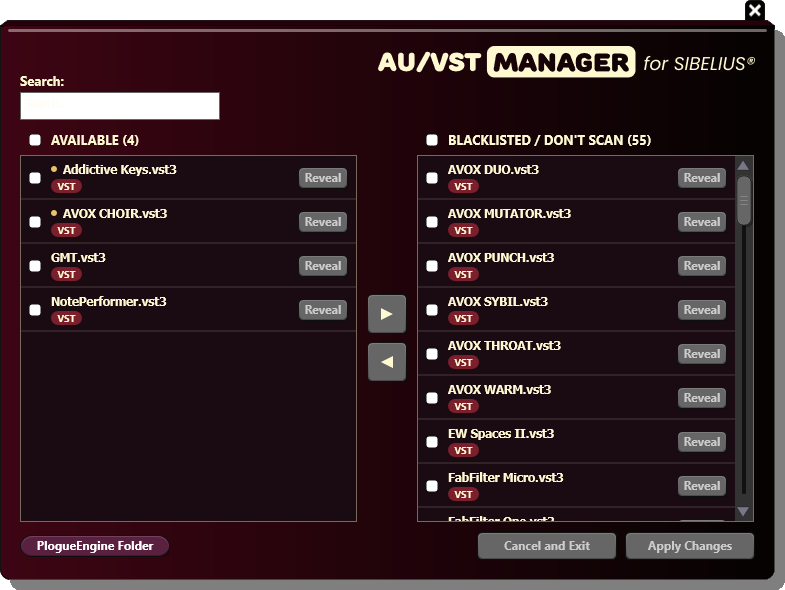

Speed Up SIbelius Startup. Enable only the AU/VSTs you need.
The AU/VST Manager lets you see all the audio plugins (AU/VST) detected by Sibelius and choose which ones should be scanned at startup.
Exclude the plugins you don't use to speed up Sibelius startup and reduce the risk of unexpected crashes caused by third-party plugin incompatibilities.
Originally commissioned by Keith Levenson, legendary arranger and composer whose credits include musical direction for The Who, this tool was designed to solve a common problem faced by composers and producers working with large audio plugin collections.
Features
1. See All the Plugins Sibelius Detects
The tool displays a complete list of AU and VST plugins that Sibelius currently detects and scans at startup.
You can also click Reveal to locate the actual plugin file in Finder or Windows Explorer.
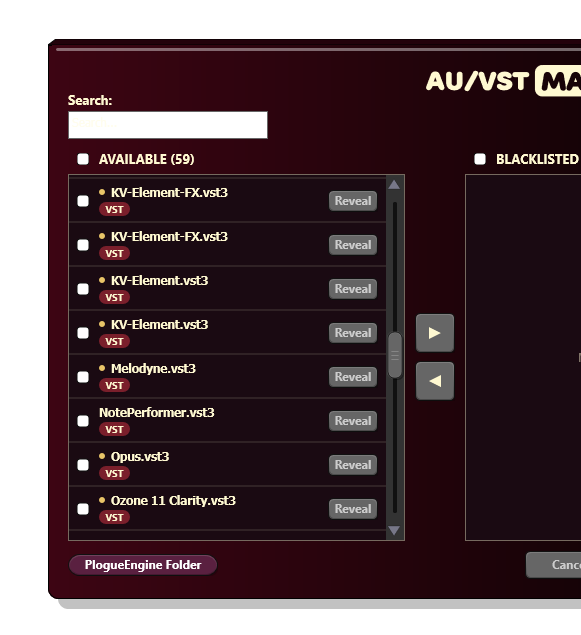
2. Exclude (Blacklist) the ones you don't use.
Select the plugins you don't need in Sibelius and click the right arrow to add them to the blacklist.
They will be excluded from Sibelius's startup scanning process, helping you ommit unnecessary scanning and potential plugin-related issues.
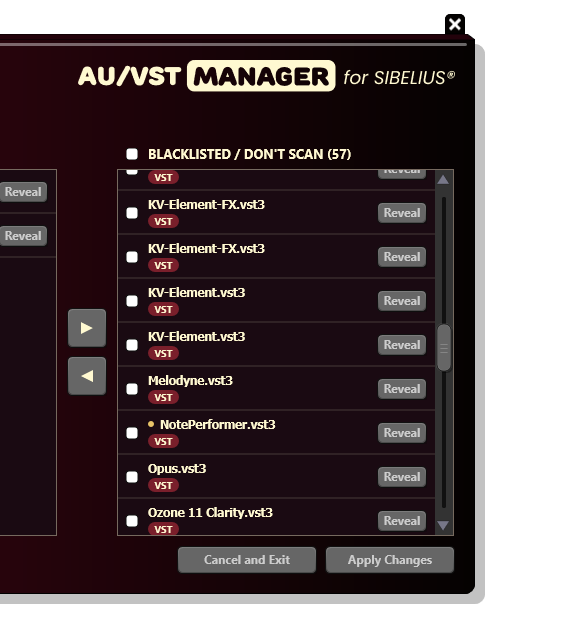
3. Access the Plogue Engine Folder
Quickly access the Plogue Engine folder, where Sibelius stores its audio configuration files.
This gives you convenient access to the folder when troubleshooting or managing your Sibelius audio setup.
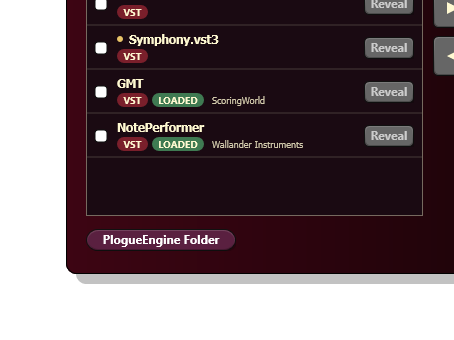
The Custom Tool Program
Tools like this start in our Custom Tool program. What should your next notation tool do? Learn more.