
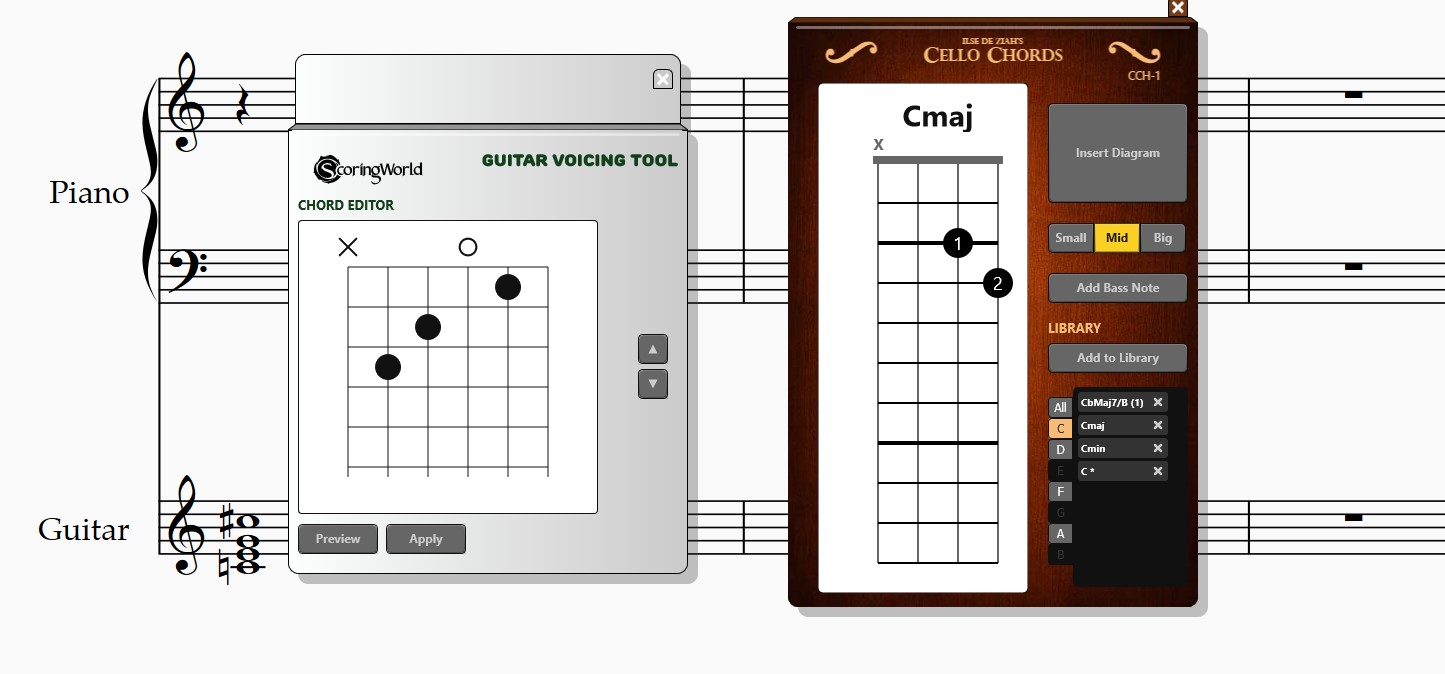
If you are a Sibelius user working with string instruments—whether teaching or writing—you may find yourself needing custom fingering diagrams that match your own style.
A custom tool can help you create these diagrams exactly the way you need them, without having to adapt your workflow to fit standard limitations.
Additionally, you can incorporate features that align with your daily work. This can include building your own chord library or integrating unique notation symbols, allowing the tool to reflect your specific approach to notation.
A Tool for Your Music
Using the same technology behind Graphical MIDI Tools, it is possible to build a unique diagram notation tool tailored to your needs.
The result is a solution that lets you create clean, professional-looking music pages while staying consistent with your own notation style.


