
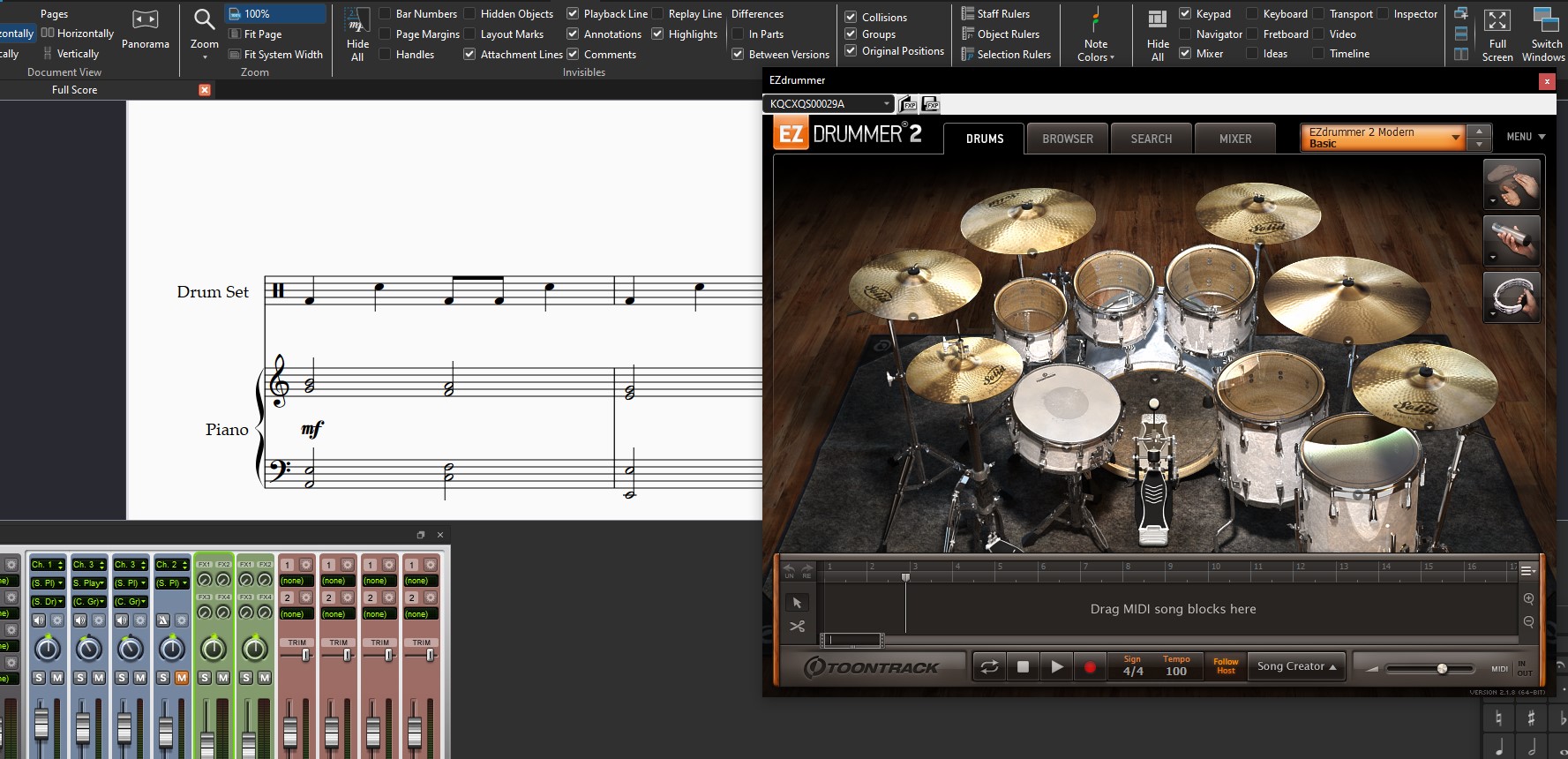
If you’re working with Sibelius and want to get more out of your sound setup, combining different sound libraries can significantly expand your playback possibilities.
In this short guide, I’ll show you how to extend Sibelius sound libraries by integrating them with third-party virtual instruments.
While the usual workflow may involve using the factory Sibelius Sounds or the advanced NotePerformer engine, you can go one step further and combine these libraries with other virtual instruments.
Creating a New Configuration
In this example, we will combine Sibelius Sounds with Toontrack’s EZDrummer drum kit library (you can use any other virtual instrument installed on your system).
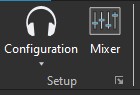
Go to Play > Setup and click on the arrow button at the bottom right.
Now select the configuration you want to extend (Sibelius Sounds).
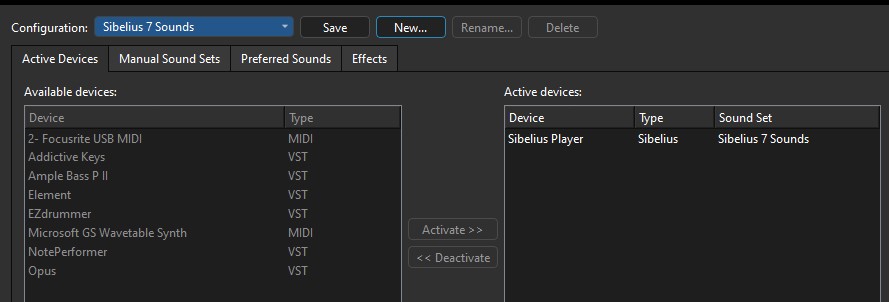
Click New to create a copy of that configuration.
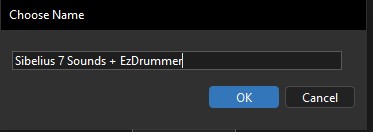
Rename it “Sibelius Sounds + EZDrummer”.
Then click on EZDrummer to add the virtual instrument (device) to the configuration.
Assigning the Virtual Instrument to a Staff
To indicate which staff should use each device, we will use the Mixer.
Go to the View tab and check Mixer in the Panels section, or simply press M to open it.
Within the staff channel, use the pull-down menu to pick the device you want to use for that instrument. In this case, select EZDrummer.
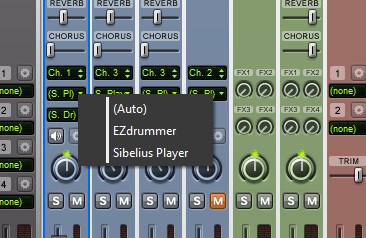
For the piano, select Sibelius Player.
That’s it. Sibelius will now combine its factory piano sounds with the EZDrummer drum kit.


